BUILDING A CYBER-SAFE DENTAL PRACTICE: Modern Defense Strategies for a Modern Threat Landscape
Partner-Sponsored Content

By TJ Blackmon, Chief Information Officer, TaaSPAK, LLC
Walk into any modern dental office today, and you’ll see technology everywhere—from digital X-rays and scheduling systems to online billing and patient communication tools. These innovations have revolutionized how you deliver care and manage your practice. But with that convenience comes a growing risk: cybercrime.
Cyberattacks against healthcare providers are rising at an alarming rate. According to the U.S. Department of Health and Human Services, healthcare data breaches have grown dramatically in recent years [1]. Dental offices, even small ones, are attractive targets because of the sensitive patient data they hold—names, addresses, insurance details, and health records. A single cyber incident can cause devastating financial losses, operational downtime, and reputational harm.
The good news? You don’t need to be a large corporation with an in-house IT department to protect
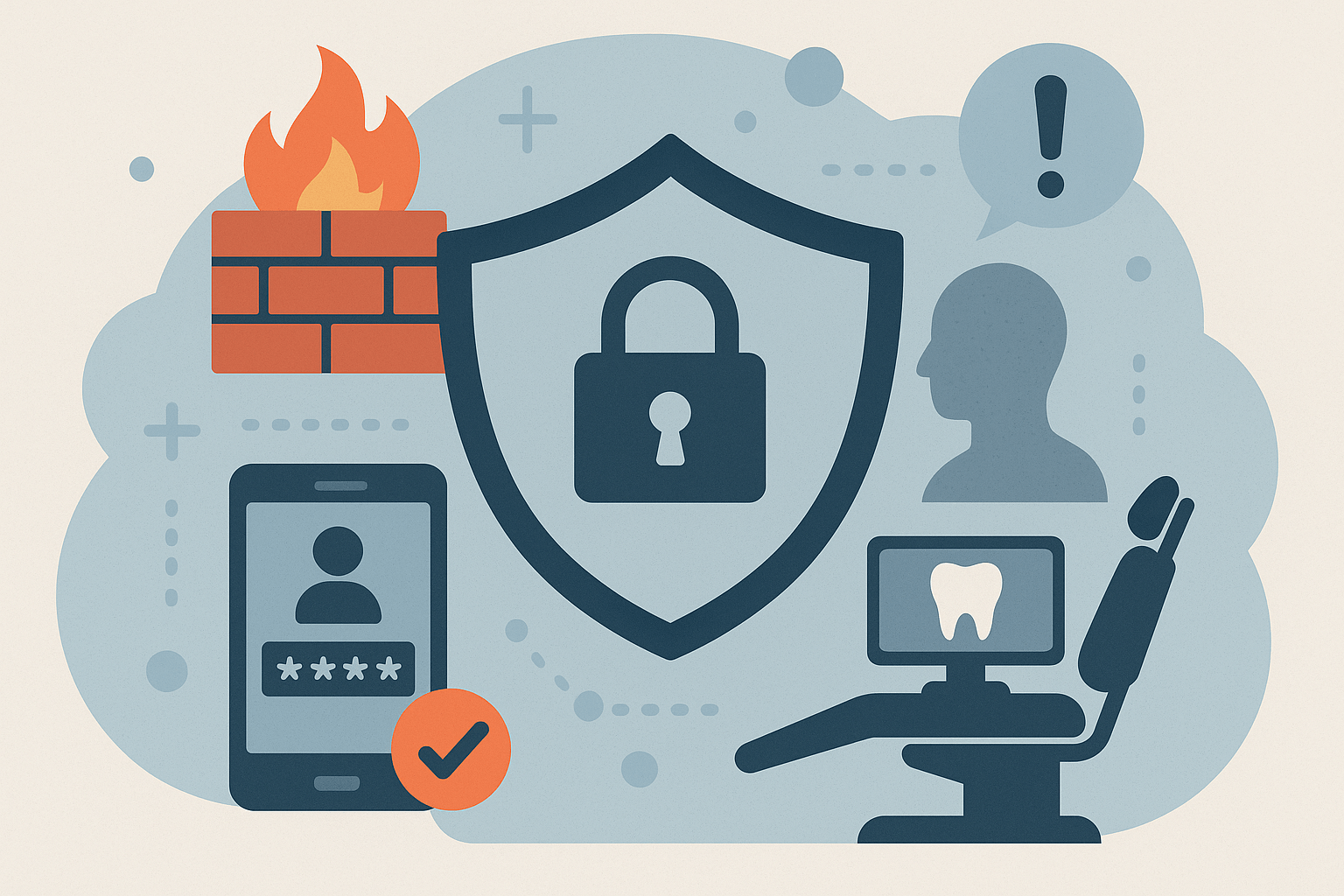
your practice. By putting a few smart measures in place, you can drastically reduce your risk and keep both your patients and your business safe. Here are seven essential cybersecurity layers every dental organization should adopt.
1. Endpoint Detection and Response (EDR): Beyond Traditional Antivirus
If your practice is still relying on traditional antivirus software, it’s time to upgrade your defenses. Older antivirus programs work by recognizing known malware “signatures.” But today’s cyber threats evolve faster than those systems can update.
That’s where Endpoint Detection and Response (EDR) comes in. Think of EDR as the modern security system for your computers—it doesn’t just block threats; it watches, learns, and reacts. EDR tools continuously monitor activity on your devices, looking for anything suspicious: strange file behavior, unauthorized logins, or unexpected data movement. When something doesn’t look right, EDR can isolate that device instantly, stopping the threat in its tracks [4][5].
For a dental practice, that means ransomware or malware can be contained before it spreads across your network. EDR provides the real-time insight and control that traditional antivirus software simply can’t match.
2. Next-Generation Firewalls: Smarter Protection at the Network Level
A firewall acts like the front door security guard for your network—it decides who gets in and who stays out. But older firewalls rely on simple rules, like blocking certain ports or websites. Today’s cybercriminals are far more sophisticated.
Next-Generation Firewalls (NGFWs) take protection to another level. They can analyze data traffic in real time, inspect the contents of files and emails, and even recognize malicious behavior before it causes harm [6][7]. NGFWs can block phishing sites, stop suspicious downloads, and enforce security policies that fit your practice’s needs.
For dental practices, especially those handling HIPAA-protected data, an NGFW adds an intelligent layer of defense between your internal systems and the internet. It’s not just about keeping attackers out—it’s about making sure every piece of data that flows through your office is safe and compliant.
3. The Human Firewall: Training Your Team to Spot the Red Flags
Here’s the truth: your employees are your first line of defense—and sometimes your biggest vulnerability. Most cyberattacks begin with a phishing email designed to trick someone into clicking a malicious link or sharing their login information. The 2024 Verizon Data Breach Investigations Report found that the majority of healthcare breaches involve human error [8].
That’s why every dental team needs a “human firewall.” Regular cybersecurity training helps your staff recognize and avoid threats. Phishing simulations—sending fake scam emails as a test—can help reinforce that training in a safe way [9].
It only takes one mistaken click to open the door to an attacker. But when your front desk staff, hygienists, and billing coordinators know what to look for—like suspicious attachments or messages with urgent requests—they can stop an attack before it begins. Training builds confidence and awareness, and that makes your whole office stronger.
4. Backup and Recovery: Preparing for the Unexpected
Imagine waking up one morning to find that all your patient files are encrypted by ransomware—or that your main computer crashed overnight. Without a reliable backup, that’s a nightmare scenario.
A secure, encrypted, off-site backup system is your digital safety net. Modern cloud-based backups automatically encrypt and store your data in a secure location far away from your main system. Even if your office suffers a cyberattack, hardware failure, or natural disaster, your data remains safe and recoverable [10][11].
But here’s the key: backups only matter if they actually work. That’s why it’s crucial to test them regularly. Schedule periodic restoration drills to make sure you can recover your files quickly when you need to. Just like practicing for an emergency evacuation, testing your backups gives you peace of mind and ensures your recovery plan works when it counts.
5. Multi-Factor Authentication (MFA): The Simple Step That Stops Hackers
We’ve all been there—trying to remember yet another password or resetting one we forgot. Unfortunately, passwords alone just don’t cut it anymore. Hackers can steal them, guess them, or buy them on the dark web.
Multi-Factor Authentication (MFA) adds an extra step that makes a huge difference. It requires you to confirm your identity in two or more ways: a password (something you know), a code from your phone (something you have), or a fingerprint (something you are) [12][13]. Even if a hacker gets your password, they can’t log in without that second factor.
Microsoft reports that MFA can block 99.9% of account compromise attempts [12]. Enabling MFA on your email, practice management software, and cloud storage systems is one of the easiest, most affordable upgrades you can make. It’s like adding a deadbolt to your front door—it’s simple, but incredibly effective.
6. Cyber Insurance: Your Financial Safety Net
Even with strong security, no system is bulletproof. That’s why every practice should carry cyber-liability insurance. These policies help cover the costs of recovery if a breach happens—things like data restoration, legal fees, patient notifications, and even public relations assistance [14][15].
It’s also important to review your policy every year. Insurance providers are now requiring proof that you have certain protections in place—like MFA, EDR, and staff training—before they’ll renew coverage. Completing your annual cybersecurity assessments not only ensures coverage but also keeps your practice aligned with industry best practices.
Think of cyber insurance as your last layer of protection. You hope you never need it—but you’ll be thankful it’s there if you do.
7. HIPAA Compliance and the Cost of Negligence
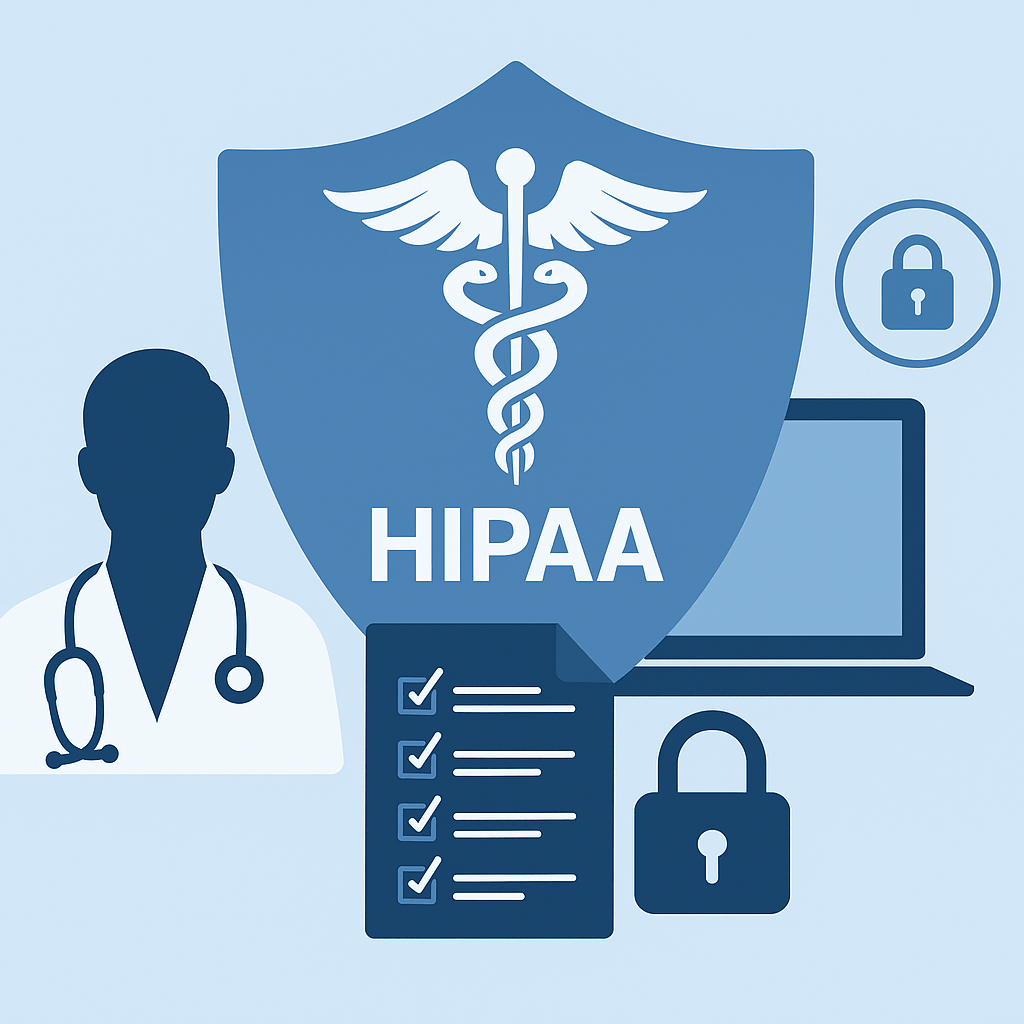 Cybersecurity isn’t just about protecting data—it’s also about protecting your practice from serious financial penalties. Under the Health Insurance Portability and Accountability Act (HIPAA), dental practices are legally required to safeguard patient information. When those safeguards fail, the fines can be steep.
HIPAA penalties are tiered based on the level of negligence, ranging from unknowing violations to willful neglect. Even an unintentional lapse—like sending unencrypted patient data or failing to install a software update—can result in fines between $100 and $50,000 per violation. Cases involving reasonable cause (such as lack of proper staff training) can incur similar fines, while willful neglect can reach $1.5 million annually for repeated offenses.
Beyond the financial impact, violations can also lead to criminal penalties, including potential jail time for knowingly mishandling protected health information (PHI).
The lesson for dental practices is simple: compliance isn’t optional. Regular cybersecurity training, documented policies, encrypted systems, and verified backups not only prevent data loss—they protect your business from costly HIPAA violations and reputational damage.
Building a Culture of Cyber Awareness
 Cybersecurity isn’t just an IT issue—it’s part of patient care. Every member of your team plays a role in protecting sensitive data and maintaining your patients’ trust. Just like brushing and flossing prevent cavities, ongoing cybersecurity hygiene prevents breaches and downtime.
Start with the basics: deploy EDR, install next-generation firewalls, train your staff, secure your backups, enable MFA, and maintain cyber insurance. These steps aren’t complicated, but together, they form a powerful defense that can save your practice time, money, and stress.
Your patients trust you with their smiles—and their personal information. By building a cyber-safe dental practice, you’re protecting both.
References
1. U.S. Department of Health and Human Services, Office for Civil Rights. Breach Portal. https://ocrportal.hhs.gov/ocr/breach/breach_report.jsf
2. IBM Security & Ponemon Institute. Cost of a Data Breach Report. https://www.ibm.com/reports/data-breach
3. American Dental Association. Cybersecurity for Dentists. https://www.ada.org/resources/practice/practice-management/cybersecurity
4. CISA. Endpoint Detection and Response (EDR). https://www.cisa.gov/resources-tools/resources/edr-basics
5. NIST. Special Publication 800-83. https://csrc.nist.gov/publications
6. Gartner Research. Magic Quadrant for Network Firewalls. https://www.gartner.com/en/documents
7. CISA. Network Security Best Practices. https://www.cisa.gov/resources-tools/resources/network-security-best-practices
8. Verizon. 2024 Data Breach Investigations Report. https://www.verizon.com/business/resources/reports/dbir/
9. FTC. Cybersecurity for Small Business: Phishing. https://www.ftc.gov/business-guidance/resources/cybersecurity-small-business
10. HIPAA Journal. HIPAA Compliant Data Backup Requirements. https://www.hipaajournal.com
11. National Cybersecurity Alliance. Backup Your Data. https://staysafeonline.org
12. Microsoft Security Blog. MFA Prevents 99.9% of Account Compromises. https://www.microsoft.com/security/blog
13. CISA. Implementing Strong Authentication. https://www.cisa.gov/strong-authentication
14. NAIC. Cybersecurity Insurance: What You Need to Know. https://content.naic.org/consumer.htm
15. ADA. Cyber Liability Insurance for Dentists. https://www.ada.org/resources/practice/practice-management/cyber-liability-insurance